YOUR ACCOUNT SUMMARY PAGE
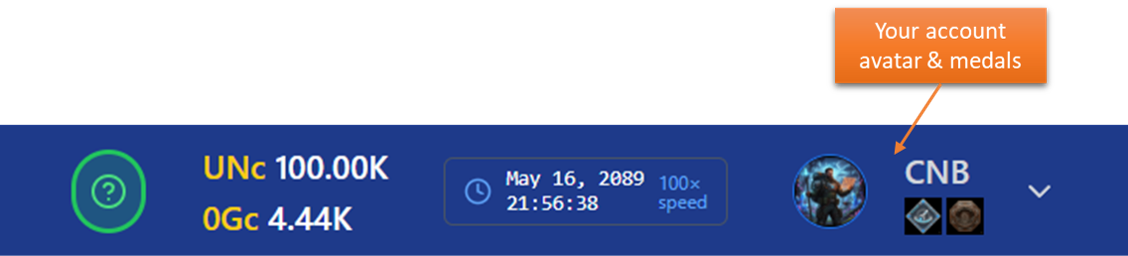
Accessing your page
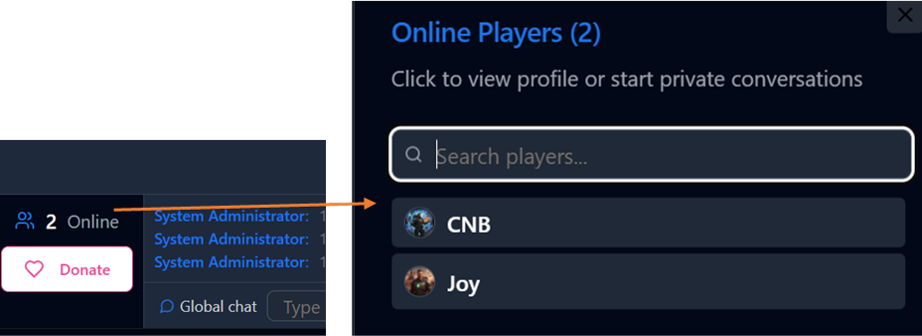
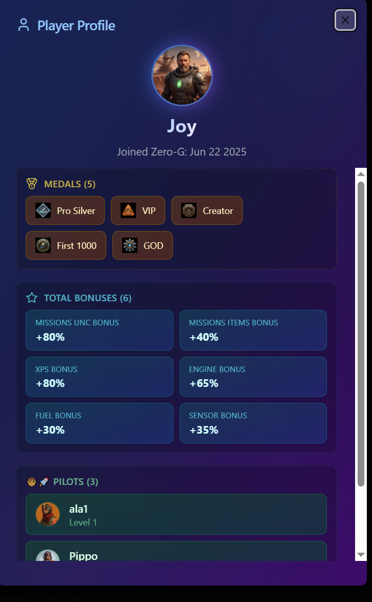
You can always see a small icon of your account with the medal list in the top right corner of the main menù. By clicking on it you enter your account summary page. Note also that you can see yours and other's users summary profile, by clicking on the in the online players modal:
YOUR ACCOUNT
Your account page allows you to have a quick overview off all you currently active account-wide bonuses and medals. Note that individual bonuses fo your pilots and ship are not shown here. All the bonuses you see here are always applied to any of your ships and pilots in addition to their specific ones. The "Temporary Bonuses" are usually obtained as mission rewards or bonus chests purchase etc... instead in the "Total bonus card" you also have the sum of all bonuses coming from your medals.
Also in this page you can change your avatar (click on it) and rename your Nickname once. The Nickname is what will be shown to other users so chose it carefully. We reserve the right to rename accounts with bad words.
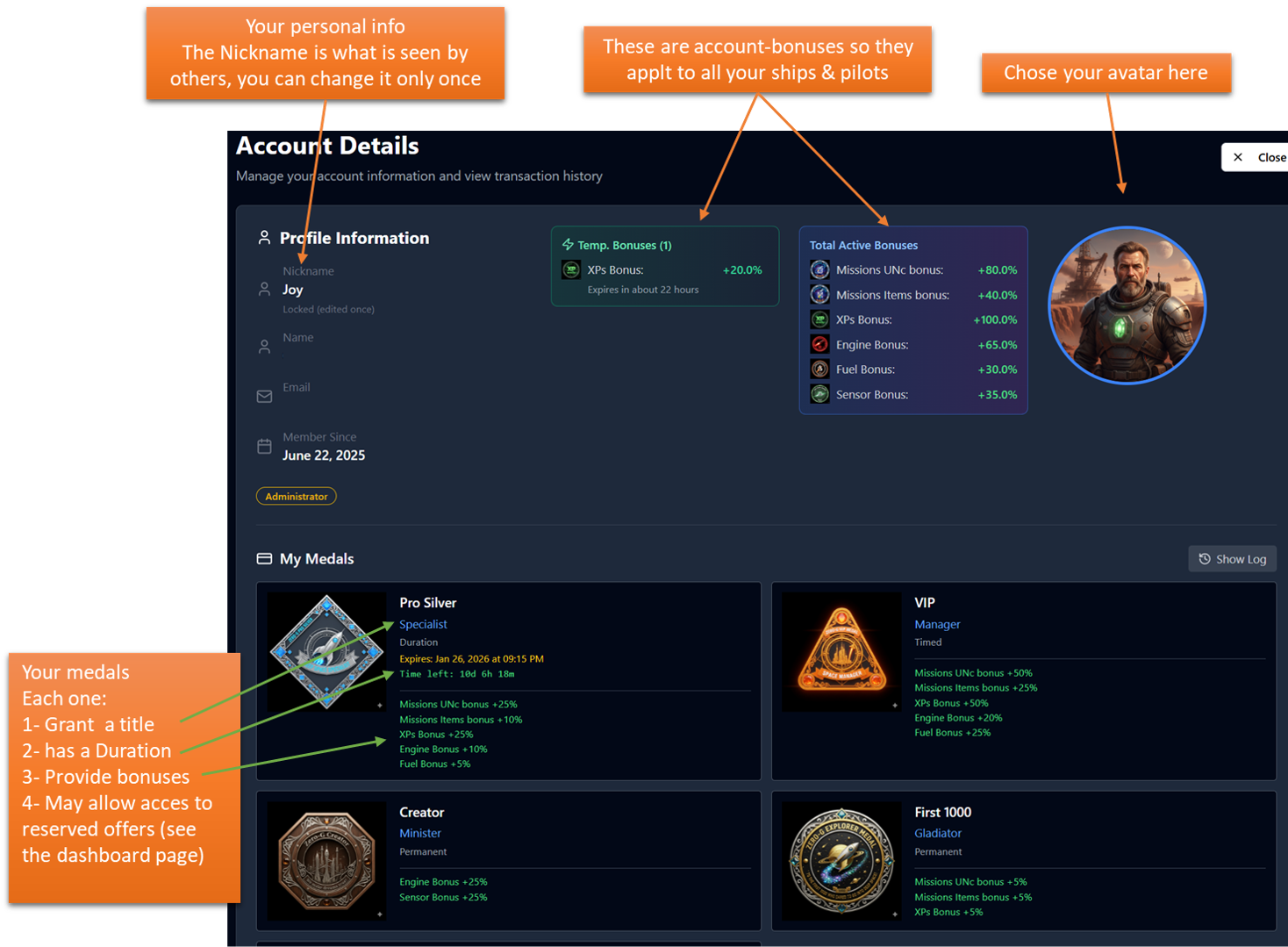
Medas are very important since they usually provide account-wide big bonuses and sometimes are permanent. Have a look in the FOUNDER page where you can see how you can contribute to acquire some of the best medals around.
In particular there are two medals very important in this early phases:
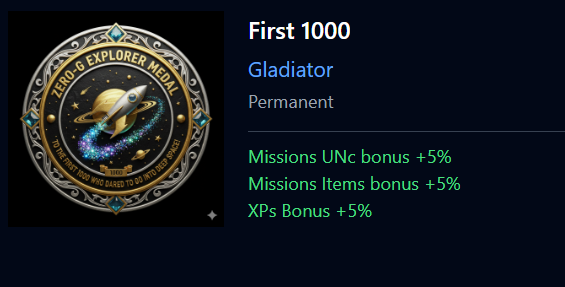
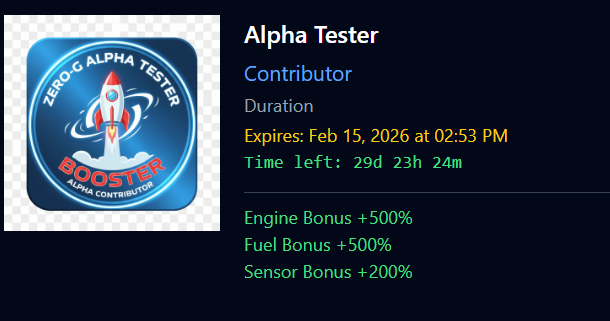
Alpha Tester medal provides a HUGE bonuses for 30 days in order to facilitate these early days of the exploration. In addition it grants access to very good additional offers.
The First 1000 medals is a permanent gift give to the first 1000 Explorers! It contains small bonuses but will be forever and also grants the Gladiator title to you forever.
Transaction logs
In your account your can see directly all your monetary transactions:
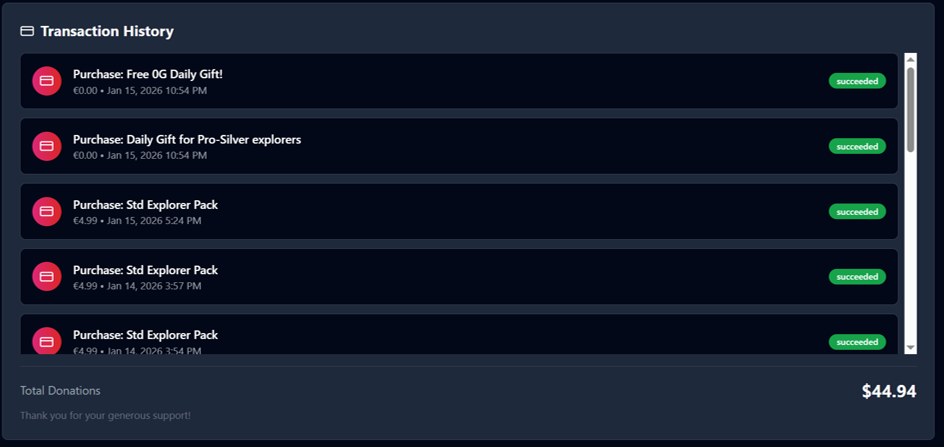
Also notice that you have other section where you can check your transaction, in particular:
- Currencies Log
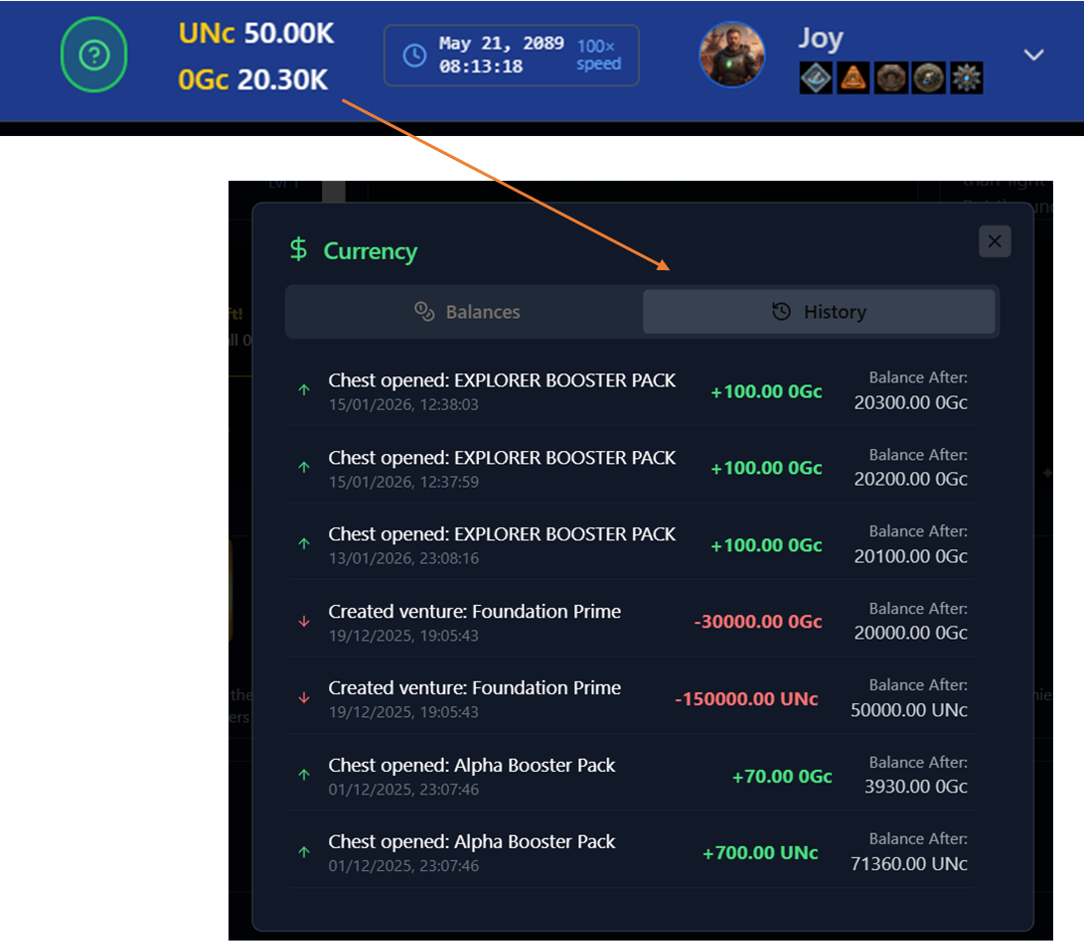
By clicking on the top menù bar, where there are the currenciens, you open a page where you can see all you history.
- Chests Log
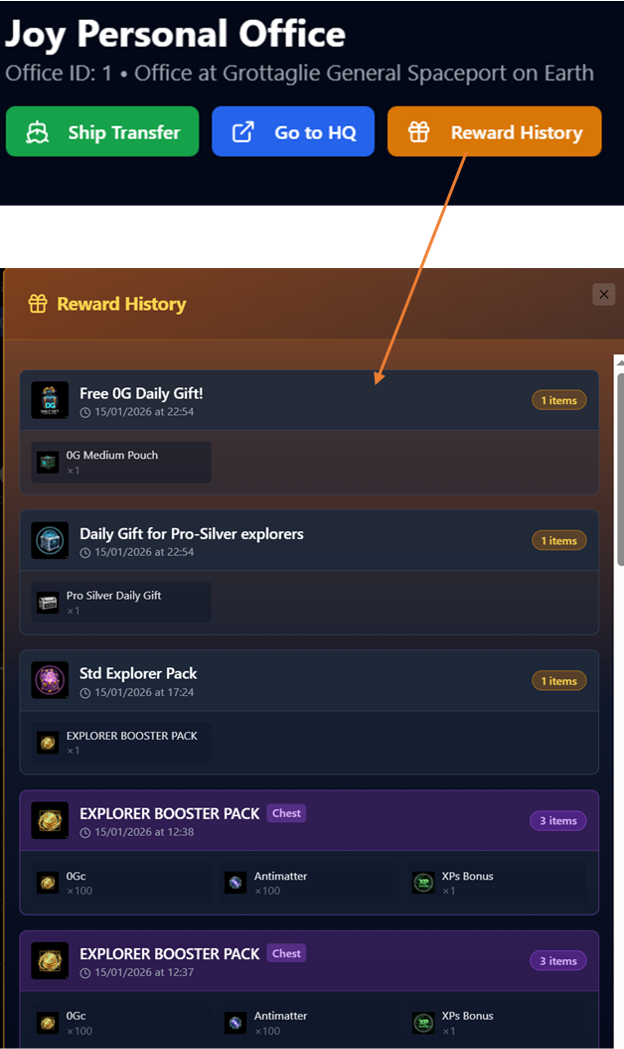
Instead in your personal office page, by clicking on reward history you can see the full log of you redeemed chests.